
Your virtual timetable for school and university
Enter your timetable once and have it with you everywhere: on your phone, in the browser and in sync on all your devices.
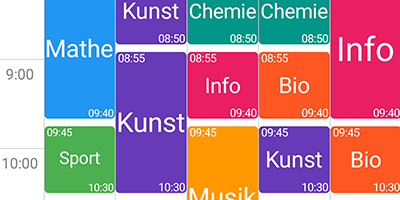
What is a virtual timetable?
A virtual timetable is your timetable in digital form: instead of on paper or as a photo of the notice board, it lives in a timetable app on your phone and in the browser. It shows you which lesson is on right now, which room you need to be in and with whom.
When the plan changes, you enter it once and it is up to date everywhere. Tasks, exam dates, grades and holidays belong to your subjects and show up right in the plan.
More than a timetable
Schedule
Week view with subjects, rooms and teachers.
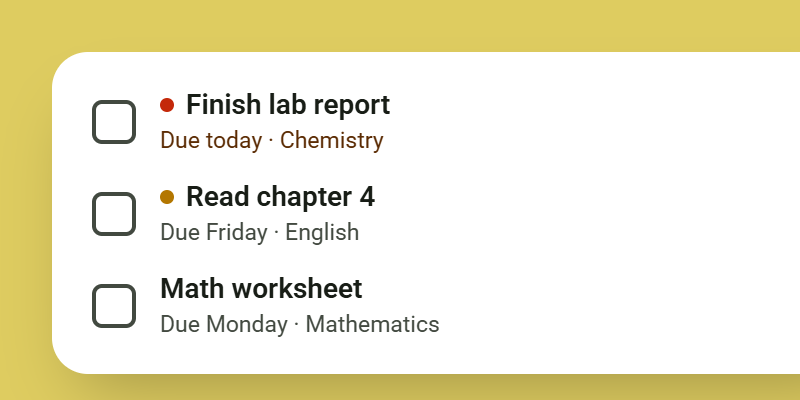
Tasks
Homework and hand-ins, sorted by due date.
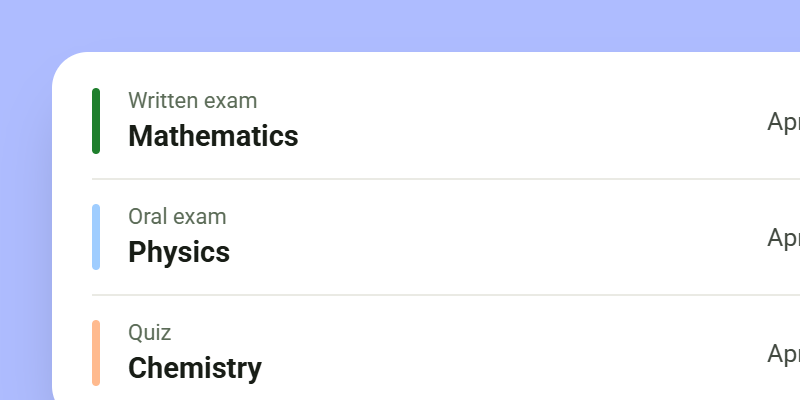
Exam Dates
Exams and tests with a countdown.
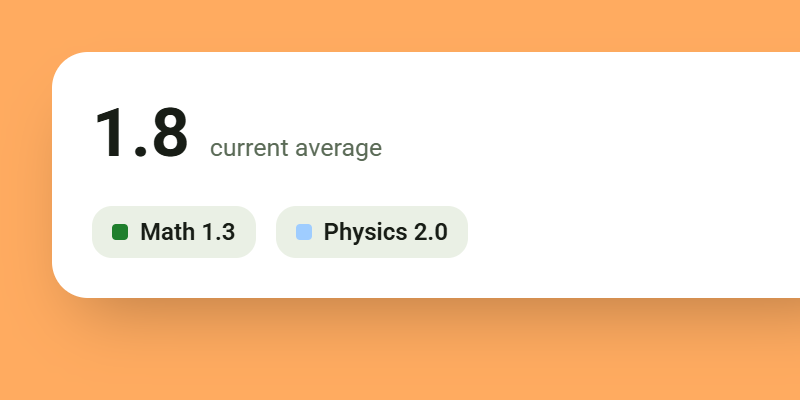
Grades
Enter grades per subject and keep an eye on the average.
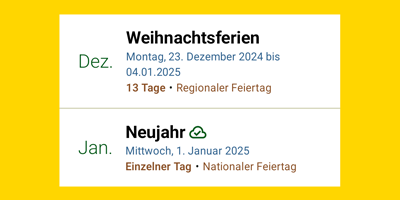
Holidays
School and public holidays for your region right in the plan.
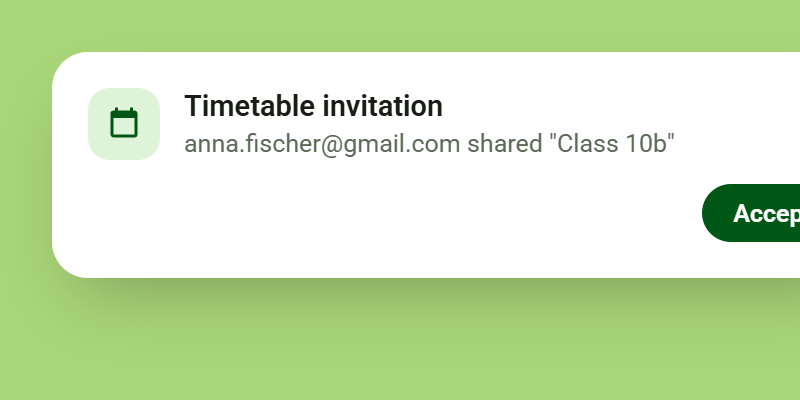
Share with class and family
Share your timetable with classmates or parents.
Paper vs. virtual
Timetable on paper
- Rewrite it after every change
- Forgotten at home
- No reminders for tasks
- One copy, only for you
Virtual timetable
- Changes appear on all devices right away
- Always with you: phone and browser
- Reminds you of lessons, tasks and exams
- Share with class and family
Questions about the virtual timetable
Cost, browser and offline use, answered briefly.
All questions in the FAQIs the virtual timetable free?
Yes. Timetable, tasks, exams, grades and holidays work at no cost. Plus is an optional upgrade for extra convenience.
Can I edit my timetable in the browser too?
Yes. Sign in with your account in the web app and edit your timetable right in the browser. Changes show up in the app after the next sync.
Does the timetable work offline too?
Yes. Your timetable is stored on your phone and works without an internet connection. As soon as you are back online, it syncs.
Get Stundenplan Deluxe
Download the free app from Google Play Store.
